Setup
Configure your desired LLM in the Workflow’s Configuration.
API Endpoint is the chat completions address specific to your service. Common values include:
| Provider | Endpoint |
|---|---|
| OpenAI/ChatGPT | https://api.openai.com/v1/chat/completions |
| Anthropic/Claude | https://api.anthropic.com/v1/chat/completions |
| Google/Gemini | https://generativelanguage.googleapis.com/v1beta/openai/chat/completions |
| OpenRouter | https://openrouter.ai/api/v1/chat/completions |
| Ollama | http://localhost:11434/v1/chat/completions |
| LM Studio | http://localhost:1234/v1/chat/completions |
| llama.cpp | http://localhost:8080/v1/chat/completions |
API Key is the unique identifier provided by the service to access your account. For local LLMs this can generally be left empty and a dummy key is used.
Model ID is the exact name of the model, which depends on your provider. They tend to closely follow the model name. For example:
| Model Name | Model ID |
|---|---|
| ChatGPT 5.4 Nano | gpt-5.4-nano |
| Claude Opus 5.5 | claude-opus-5-5 |
| Llama 3.2 1B | llama3.2:1b |
Usage
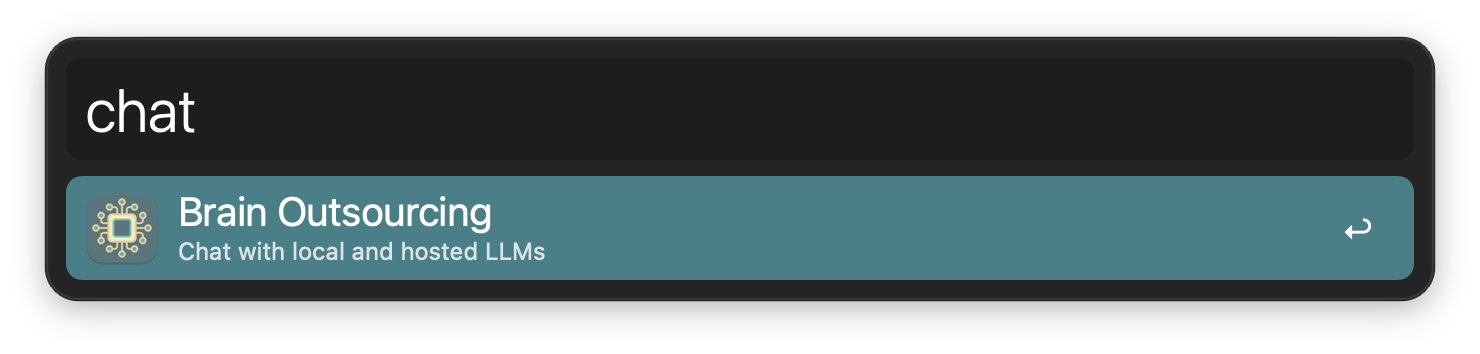
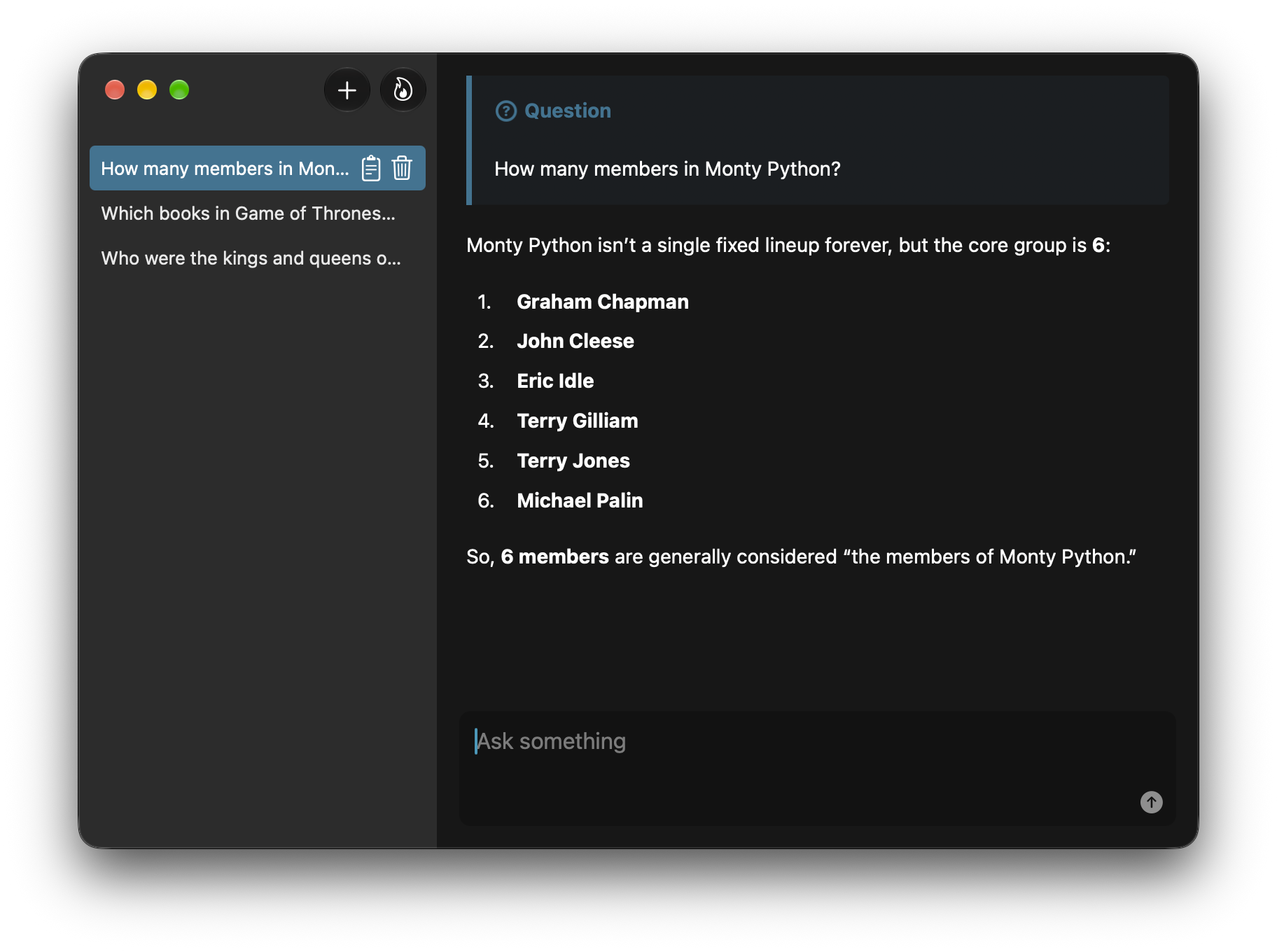
Launch a UI to query an LLM via the chat keyword.
Configure the Hotkey for faster triggering.