
Usage
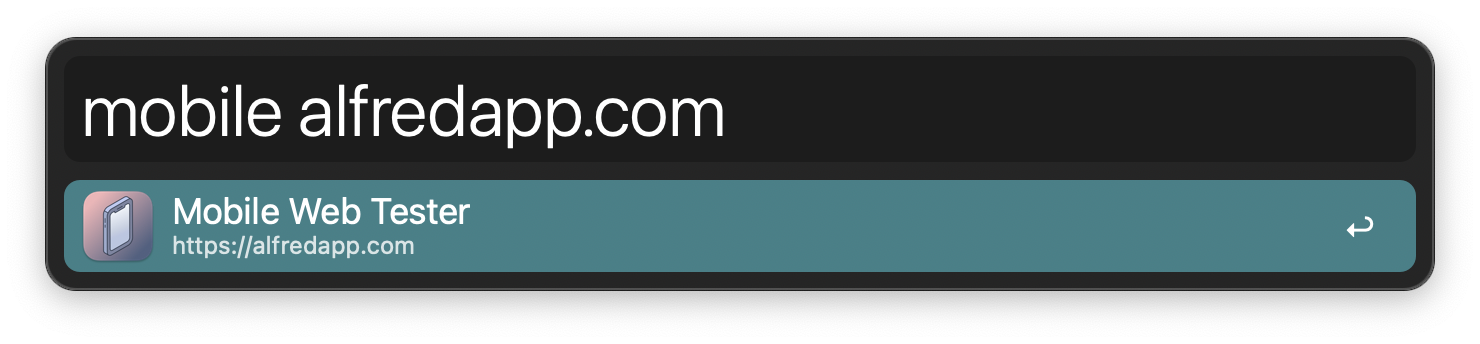
Test a website on multiple mobile device sizes via the mobile keyword.
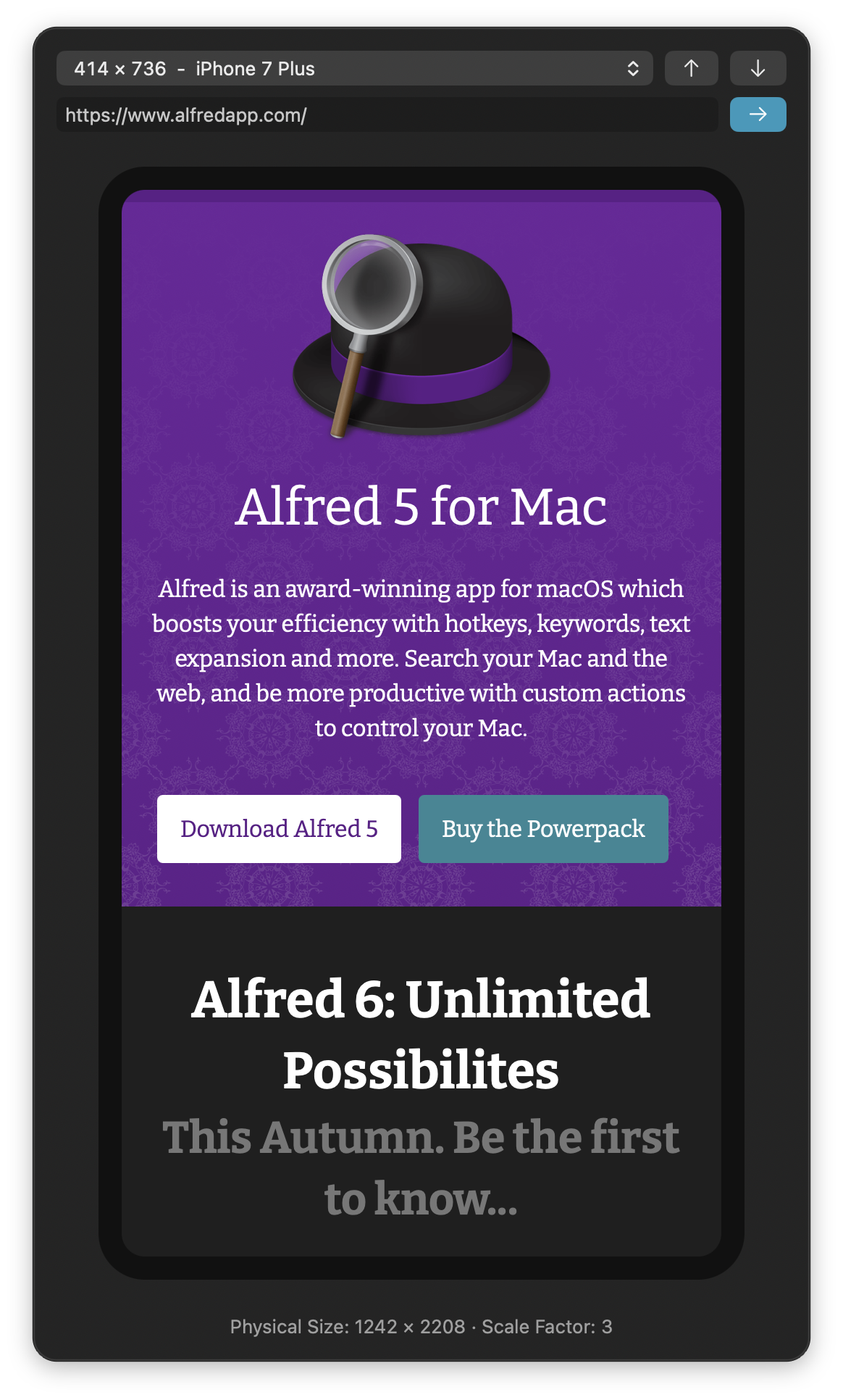
- ⌘P Focus device picker.
- ⌘↑ Select previous device.
- ⌘↓ Select next device.
- ⌘L Focus URL field.
- ⌘↩ Reload URL in field.
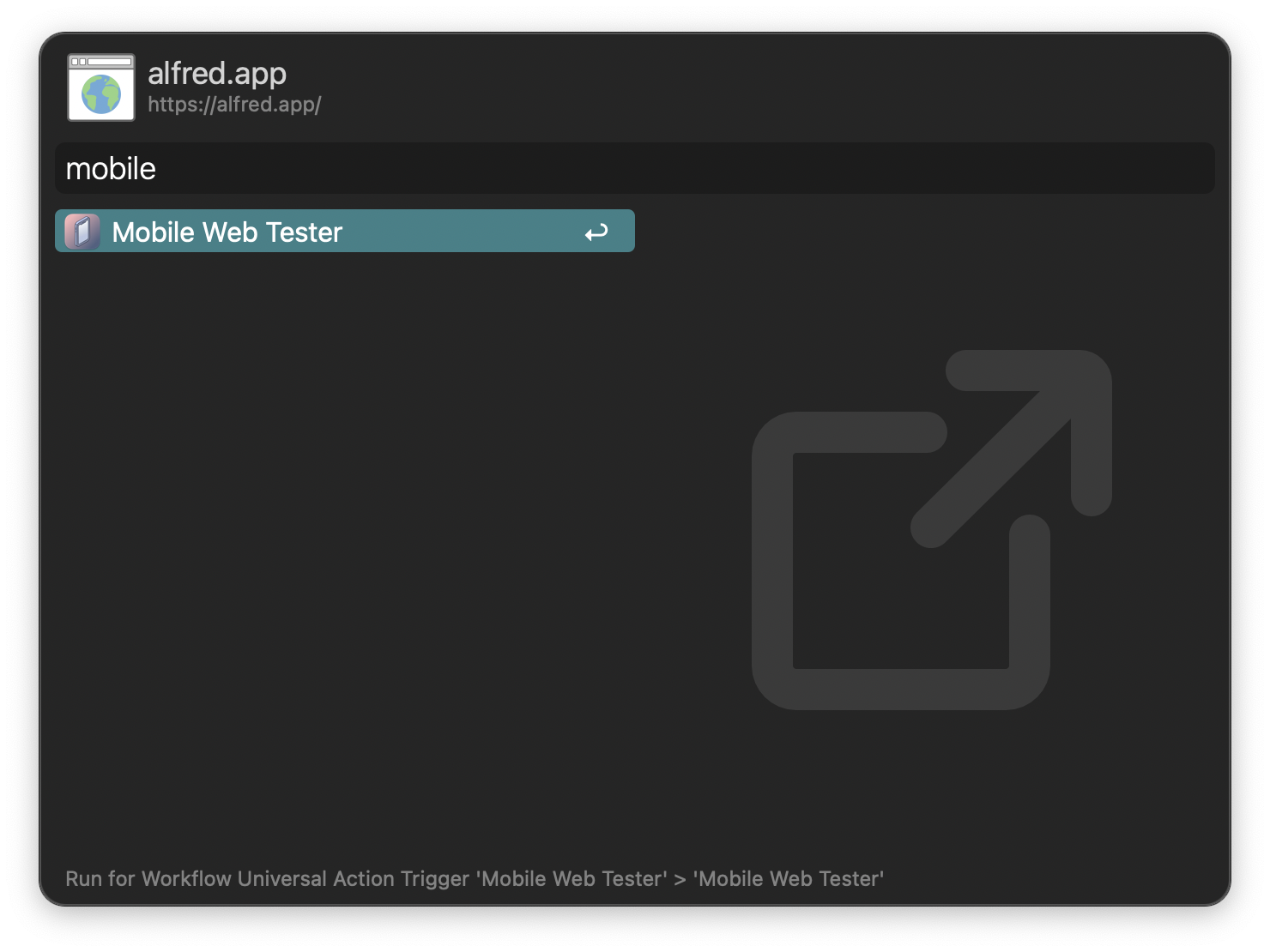
Alternatively, open a URL to test via the Universal Action.
Edit the list of devices or configure the window to open separately in the Workflow’s Configuration.