Usage
History Search
Search Safari history via the sfhist keyword.
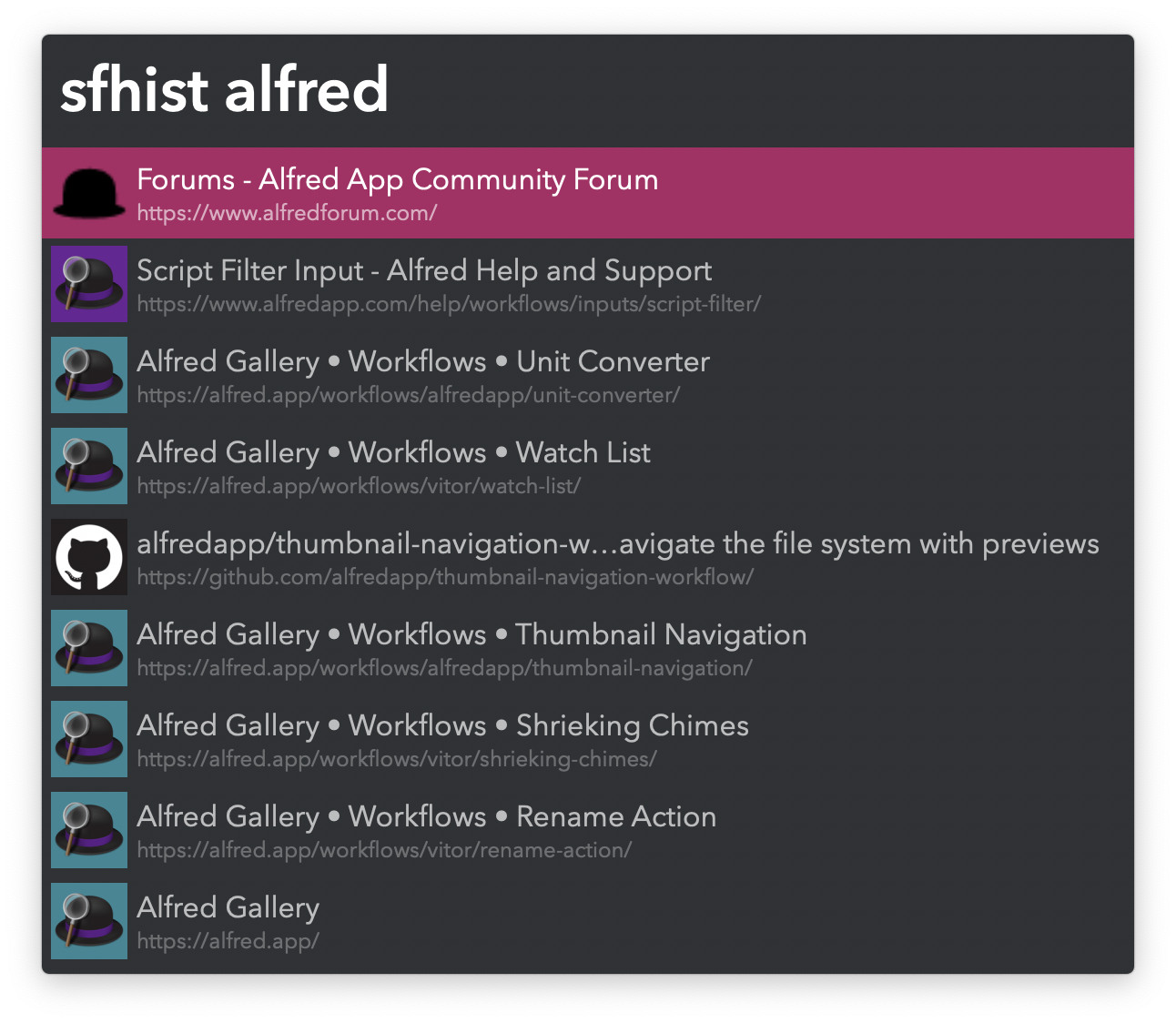
- ↩ Open webpage.
- ⌘↩ Open website domain.
- ⌥↩ Edit URL before opening.
- ⌘C Copy URL to clipboard.
Favicons begin to populate with use.
Set the Hotkey to ⌘Y to override Safari’s own History.
Tab Search
Search open tabs via the sftabs keyword.
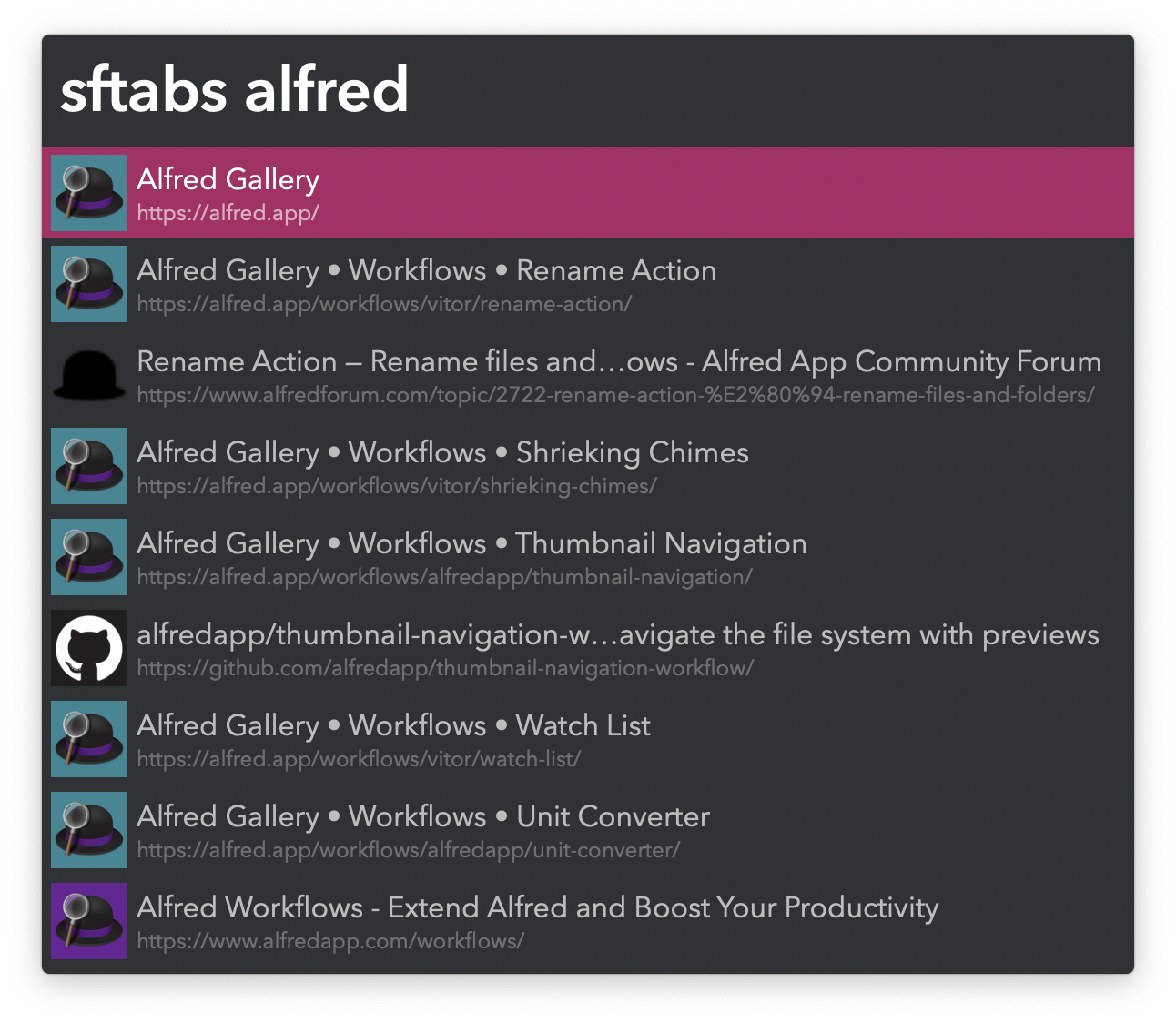
- ↩ Switch to tab.
- ⌘↩ Copy all tab URLs to clipboard.
- ⌘⌥↩ Copy current window tab URLs to clipboard.
User Agent Switching
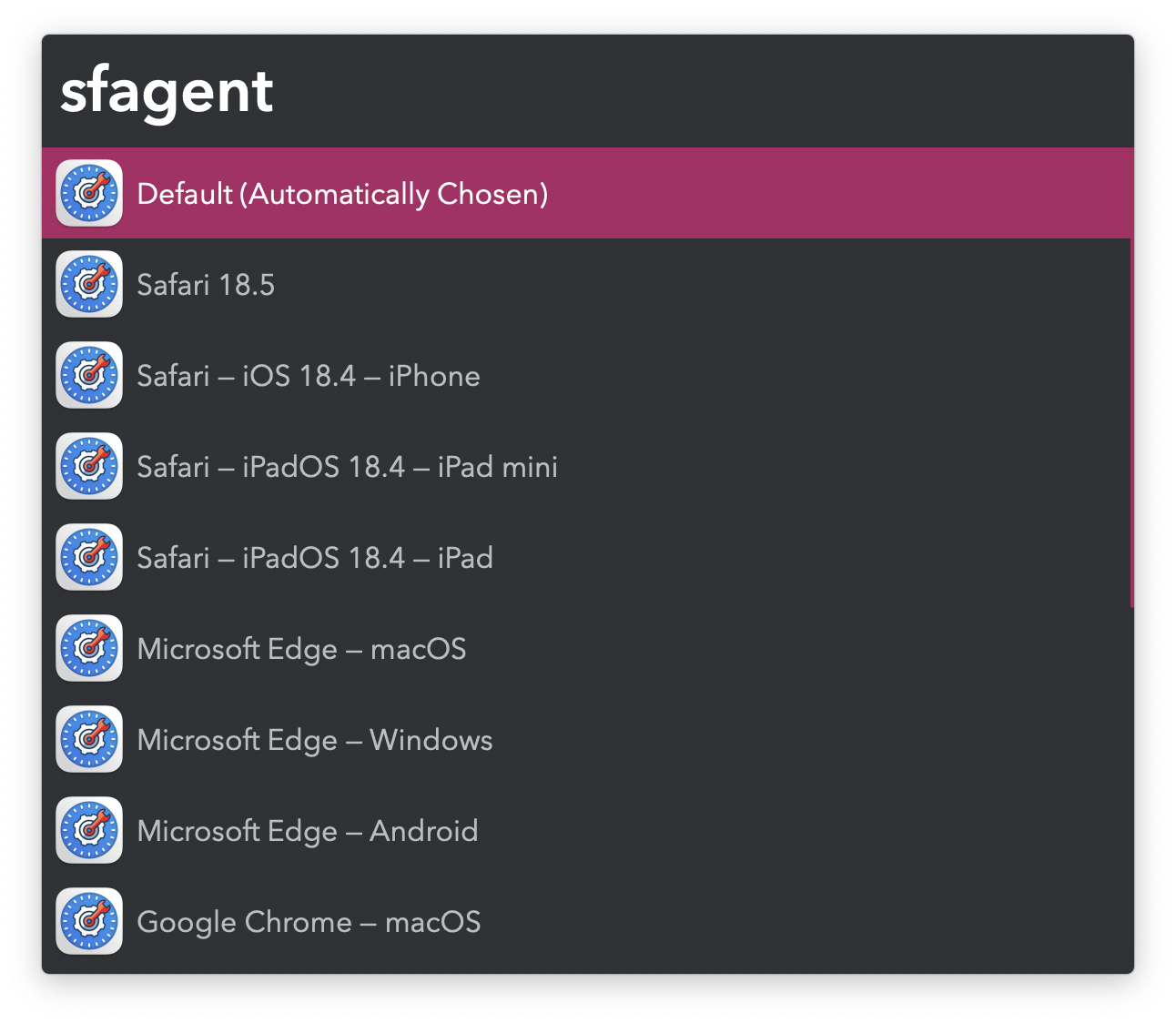
Switch User Agent for the frontmost tab via the sfagent keyword.