
This workflow requires Yoink.
Setup
Install the workflow from the Yoink app.
In the menubar: Yoink → Settings… → Extensions → Install Alfred File Action.
Usage
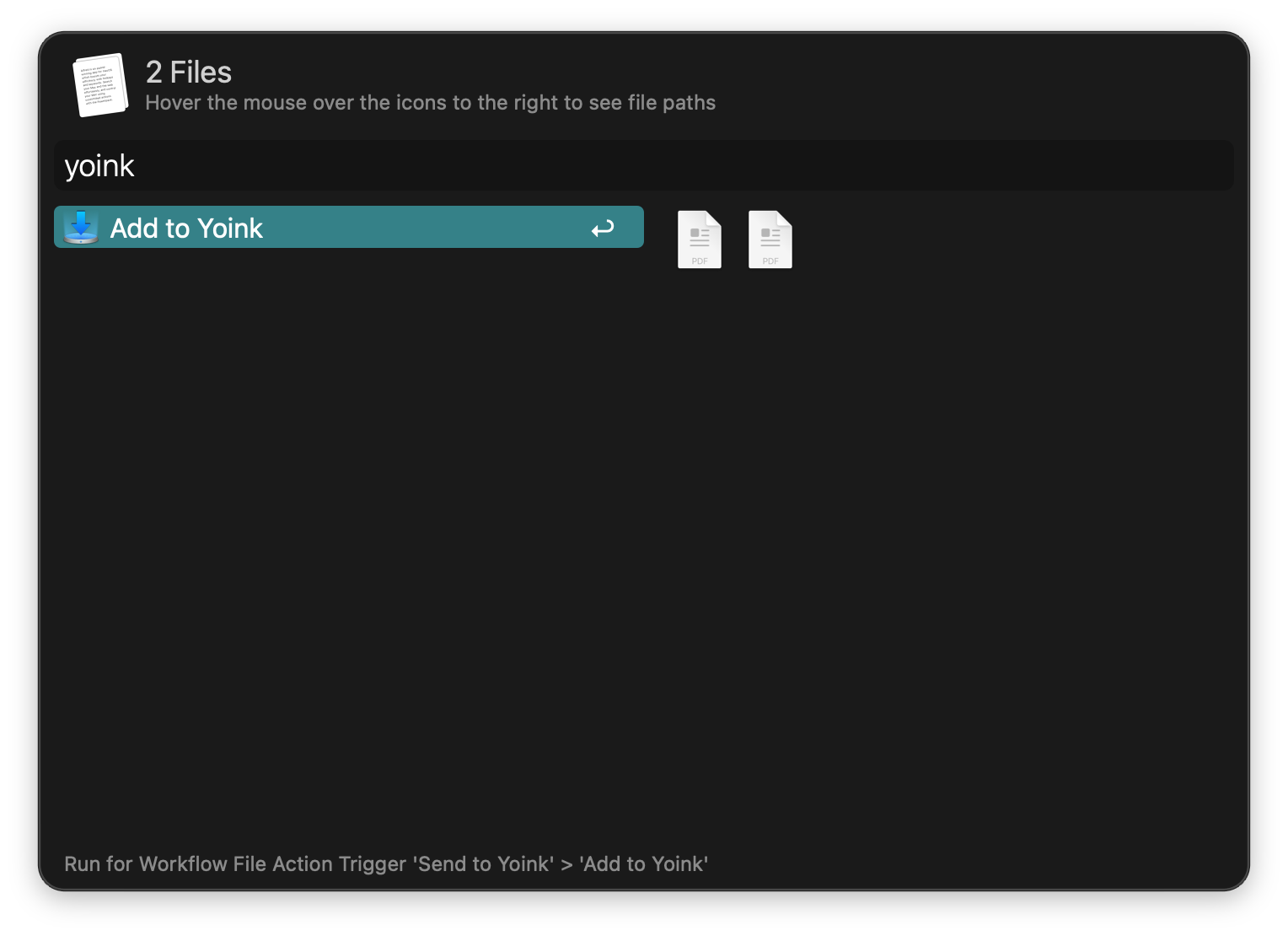
Send files to Yoink via the Universal Action.
This workflow requires Yoink.
Install the workflow from the Yoink app.
In the menubar: Yoink → Settings… → Extensions → Install Alfred File Action.
Send files to Yoink via the Universal Action.