Readwise
List, search, and open your Readwise highlights
Version 0.5 by Giovanni Coppola
This workflow requires python@3.15, pillow.
Alfred can help manage Homebrew dependencies once the workflow is installed.
Usage
List and search your Readwise highlights and Readwise Reader documents via the !r keyword.
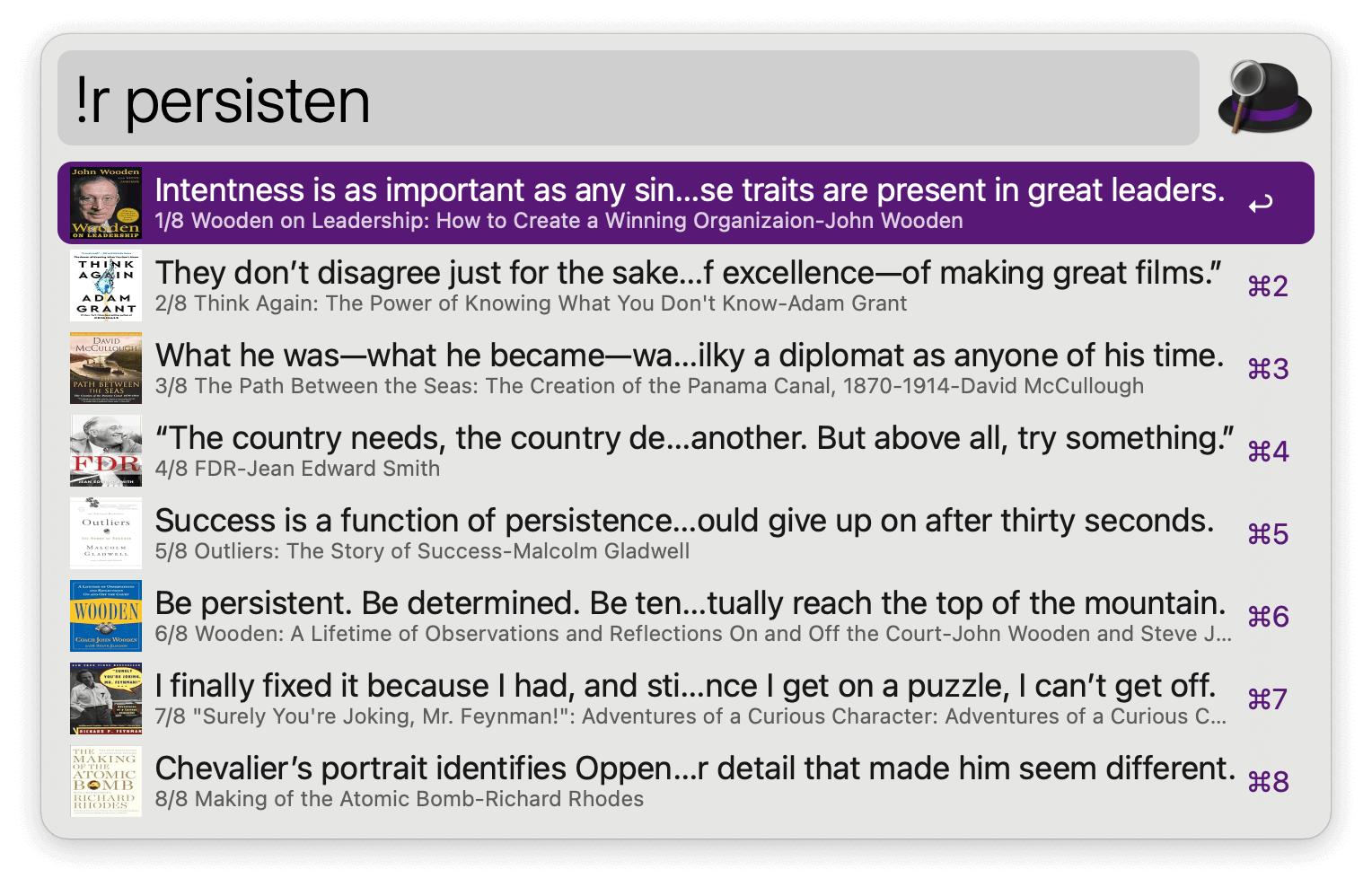
- ↩ Copy highlight and show it in Large Type.
- ⇧↩ Copy highlight and show it in Large Type without closing Alfred.
- ⌘↩ Open source URL if available (typically for tweets).
- ⌃↩ Open highlight on Readwise.
- ⇧⌃↩ Open all highlights from book on Readwise.
- ⌘Y Quick Look the highlight.
Search highlights, Reader documents, or both, as set in the Workflow’s Configuration. Type --readwise or --reader anywhere in the query to override it for that search.

- ↩ Show title, author, summary, and notes in Large Type.
- ⌃↩ Open document in Reader. Opens in the browser or the Reader app, as set in the Workflow’s Configuration.
- ⌘↩ Open the original article.
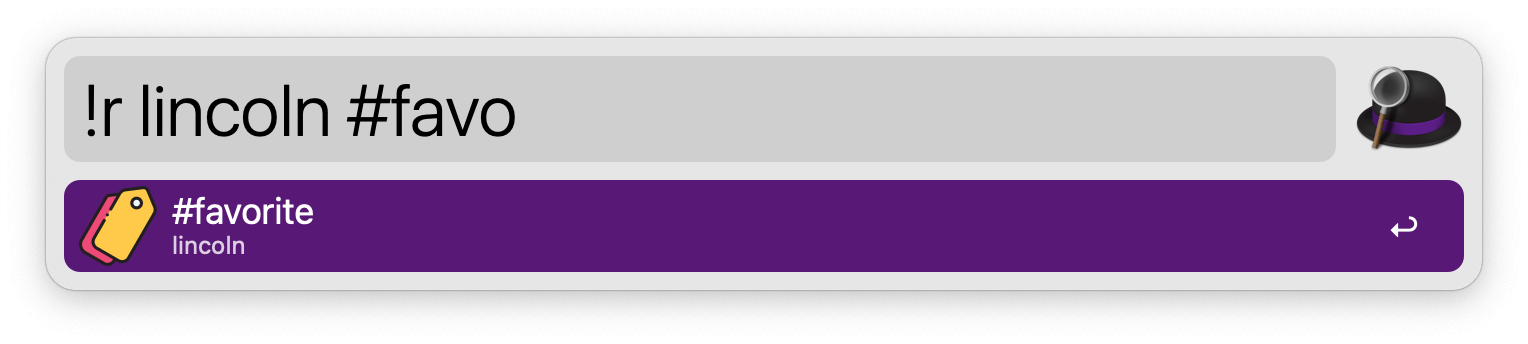
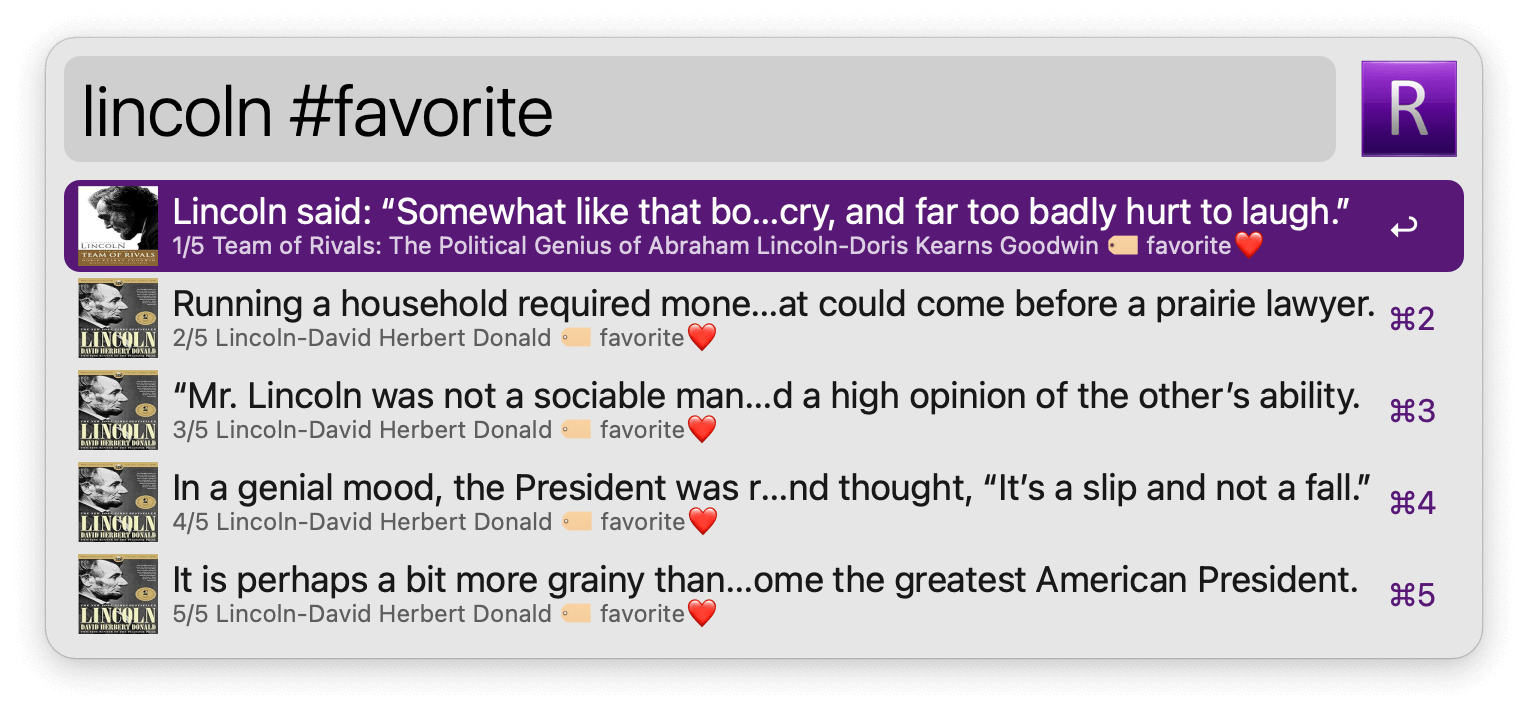
# prompts a label search which can be added to the standard search. Labels from both Readwise and Reader are listed, with the number of items each one holds.
!rfav opens a report on your starred highlights, covering authors, sources, length, and timeline, each measured against the rest of your library. !rstats shows the same report for your whole library.
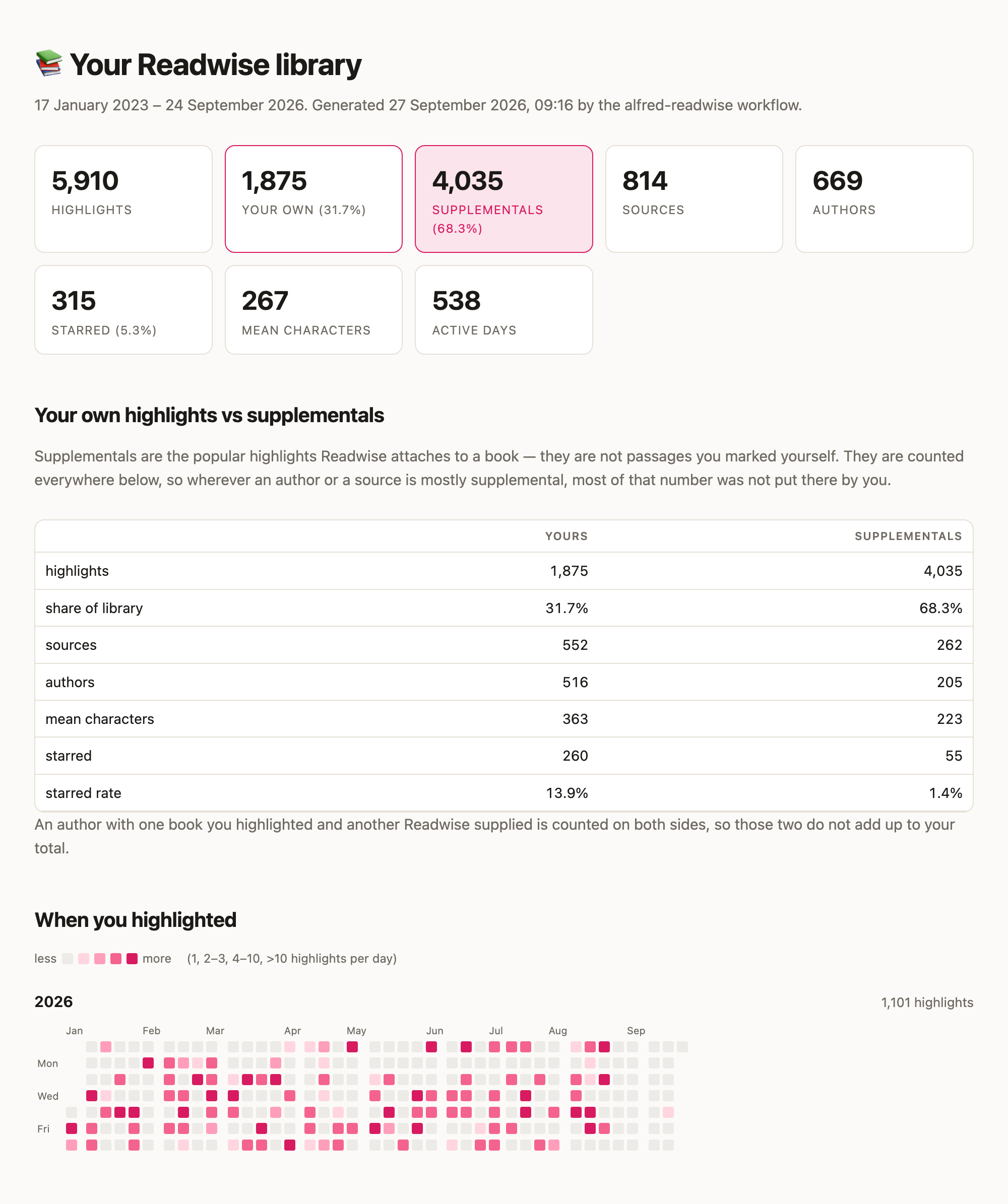
- ↩ Open the full report as an HTML page.
- ⌘↩ Copy the summary.
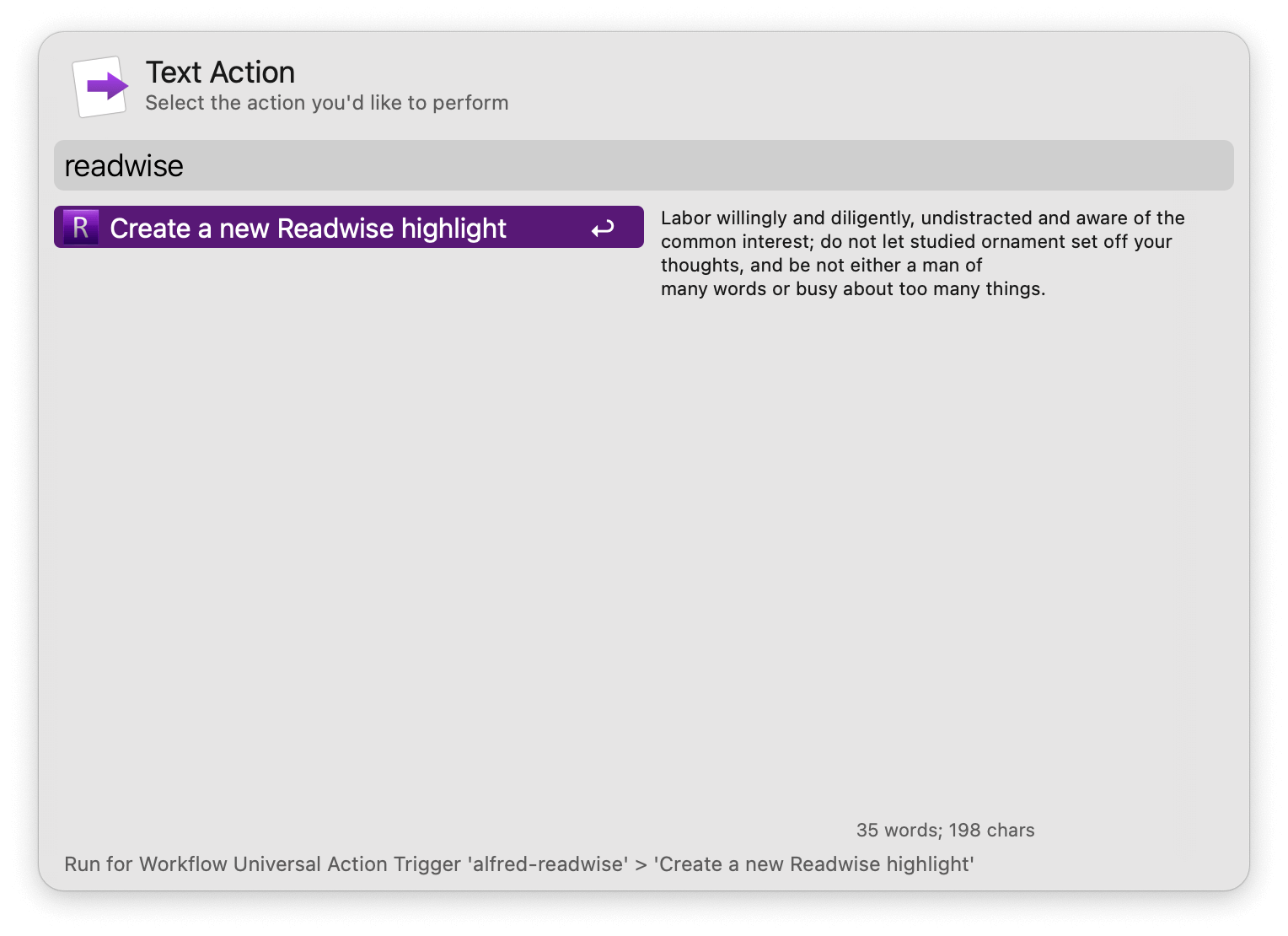
Create new highlights via the Universal Action.
Refresh the database at the rate set in the Workflow’s Configuration, or manually via the readwise:refresh keyword. Only what changed is synced, making it near-instant. The readwise:rebuild keyword downloads everything anew, which is the only way to drop highlights deleted in Readwise.
Configure the Hotkey for faster triggering.