This workflow requires Dash.
Setup
Install the workflow from the Dash app.
In the menubar: Dash → Settings… → Integration → Alfred.
Usage
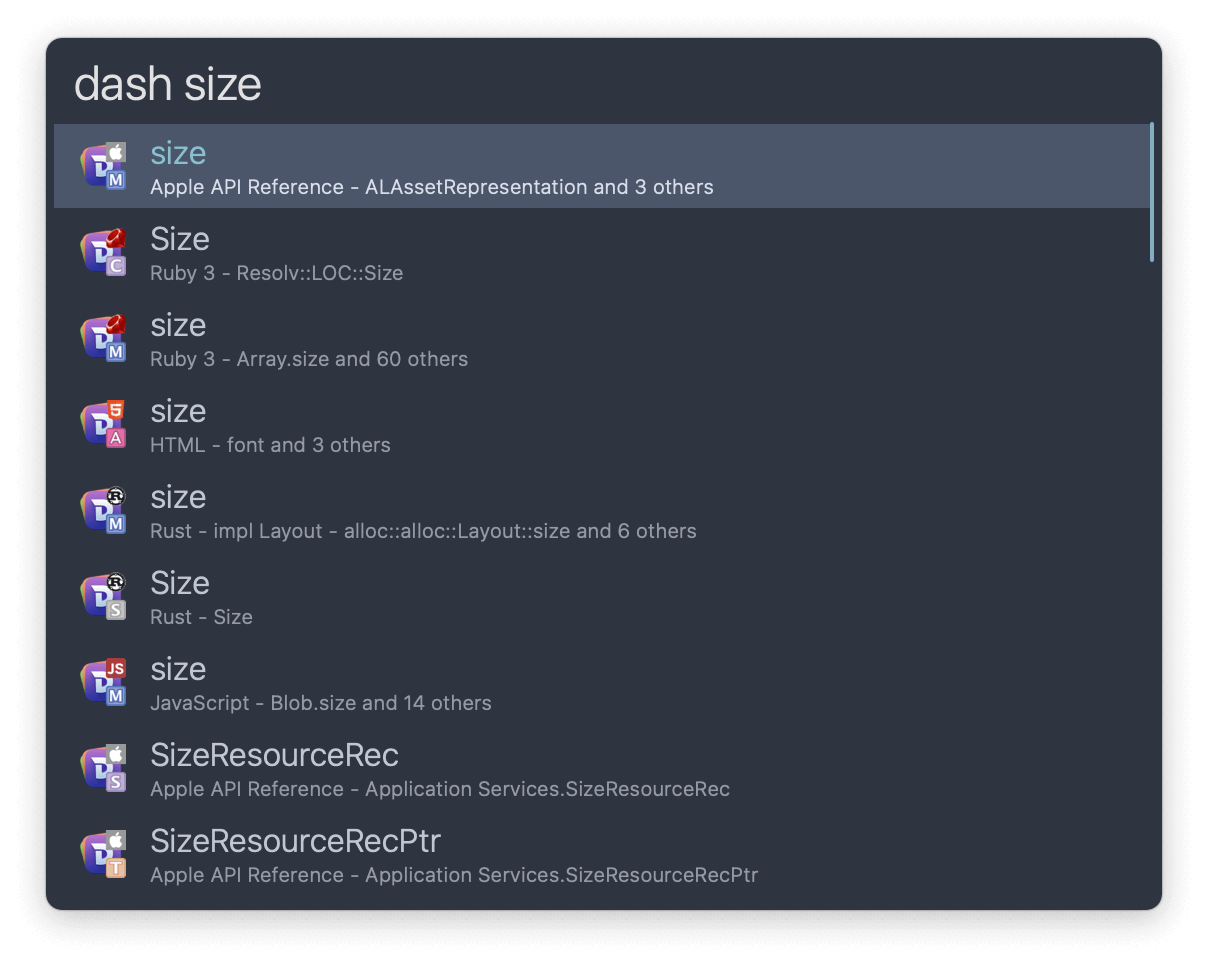
Search documentation in all installed docsets via the dash keyword.
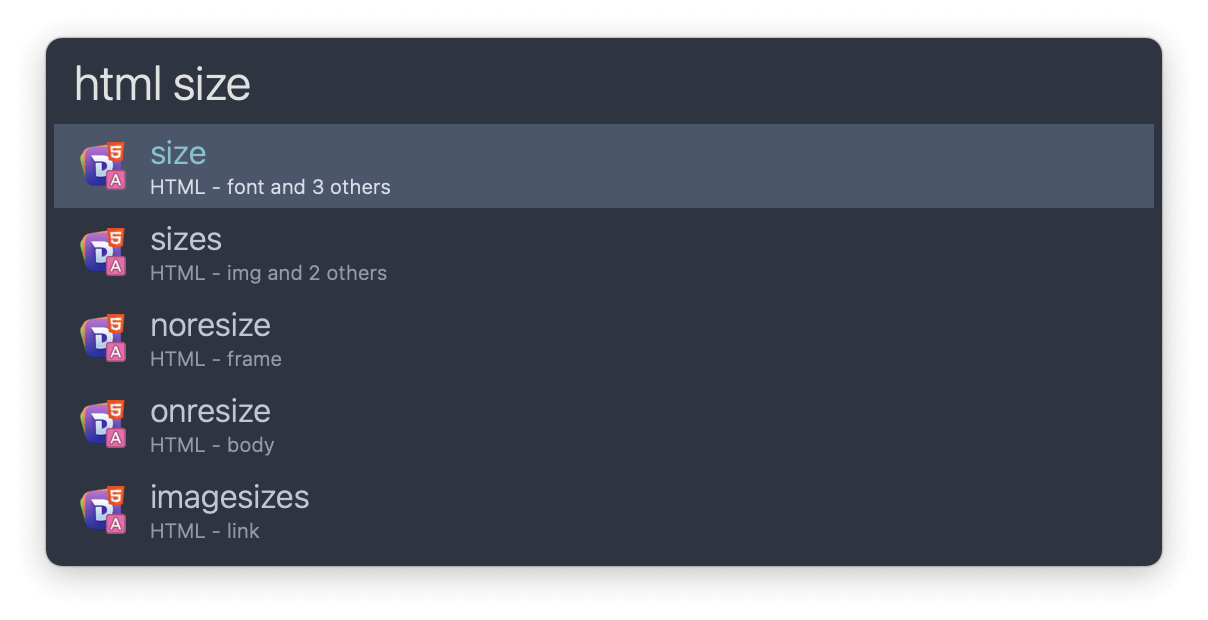
Alternatively, use the docsets’ own keyword. Edit them in Dash’s Preferences… → Docsets and the workflow will update automatically.