This workflow requires fd, fzf.
Alfred can help manage Homebrew dependencies once the workflow is installed.
Usage
Fuzzy search for files and folders via the fzf keyword.

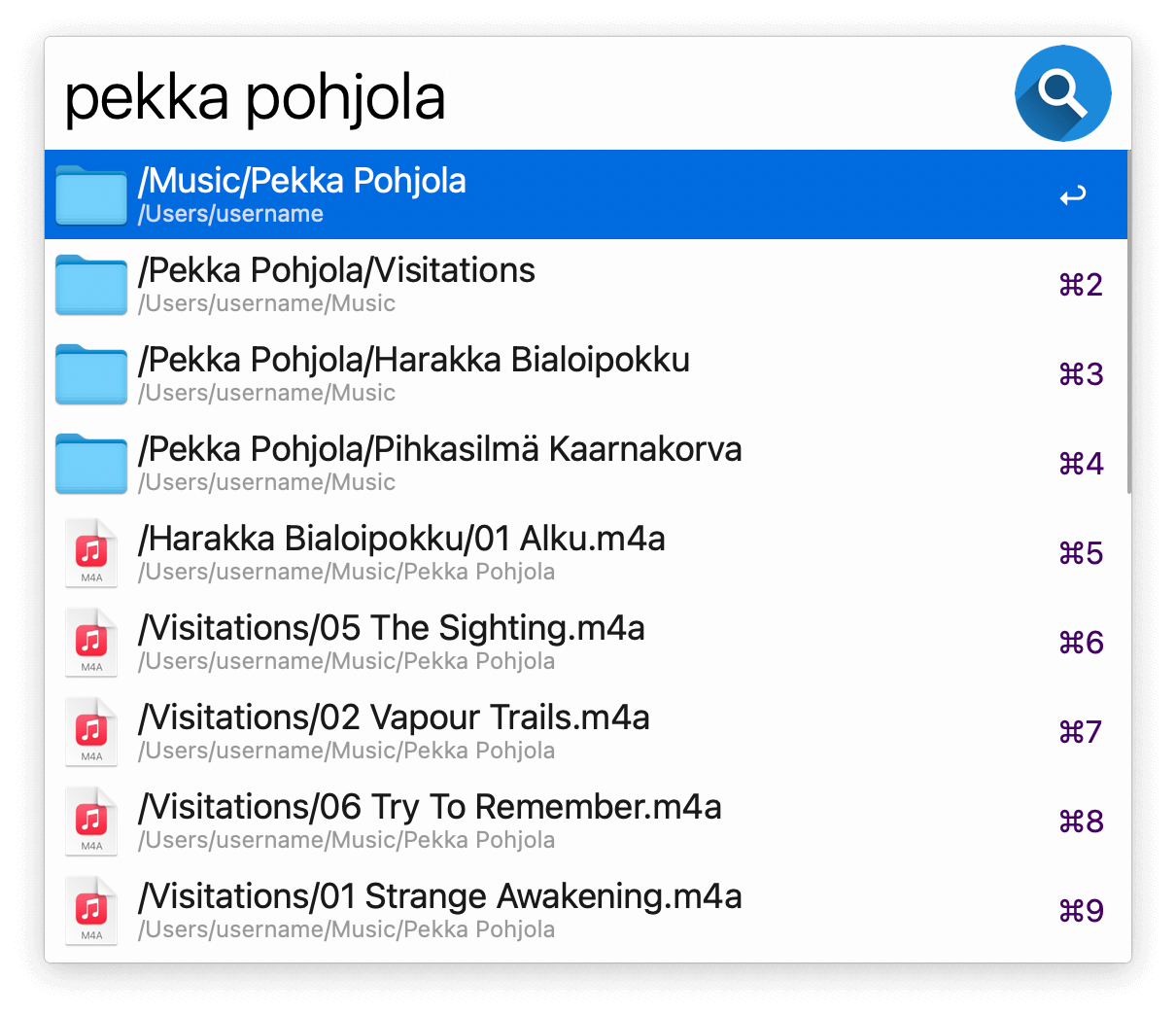
- ↩ Open the file or folder.
- ⌘↩ Reveal the file or folder in the Finder.
- ⌃↩ or ⌥↩ Copy the path to the clipboard.
- ⇧↩ Open the enclosing folder.
- ⌘Y Quick Look the file or folder.
Your home folder is searched by default. You can change it in the Workflow’s Configuration. Use the Universal Action to initiate the search from a specific folder.
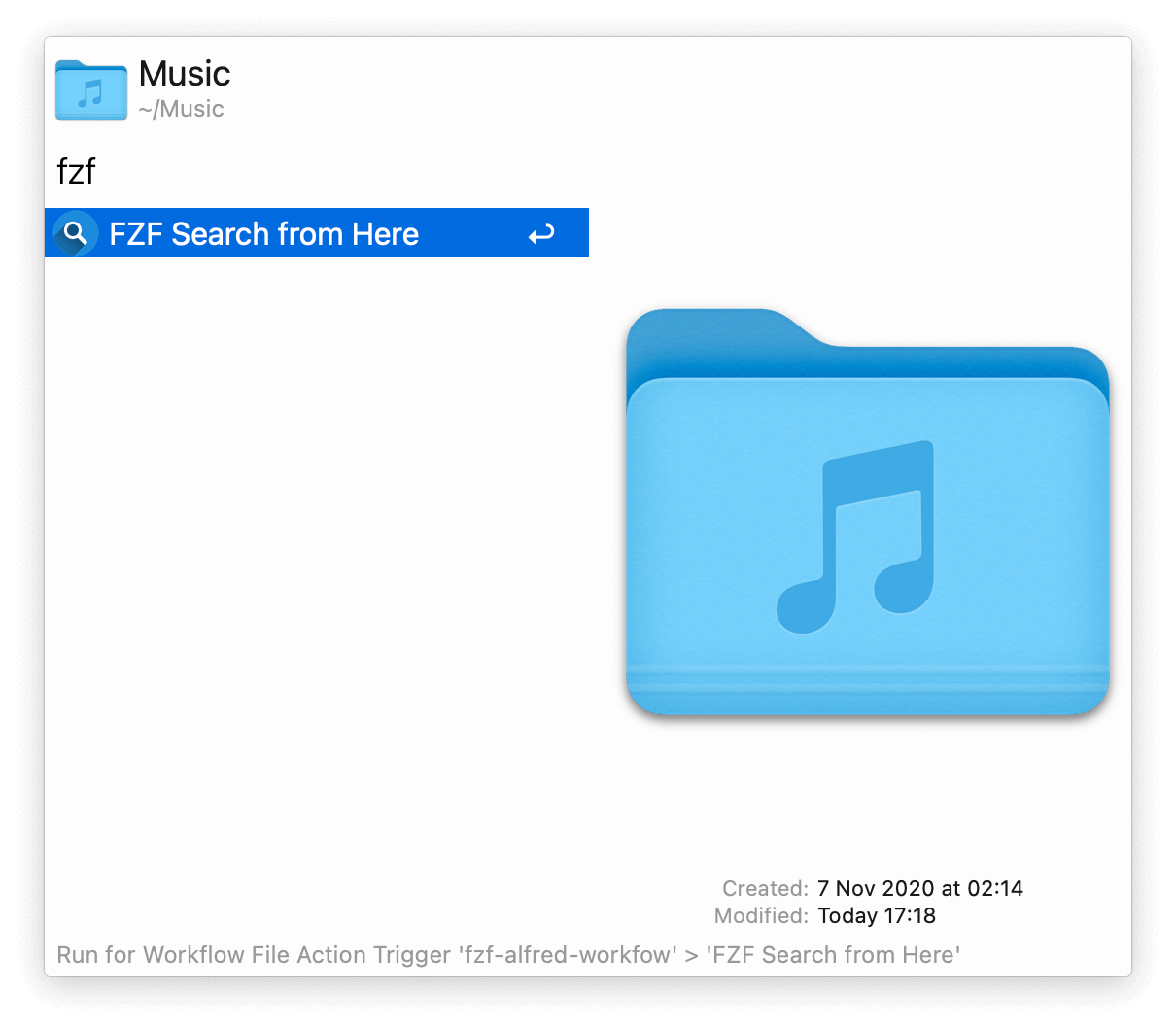
Configure the Hotkeys or Fallback Search for alternative triggering methods.
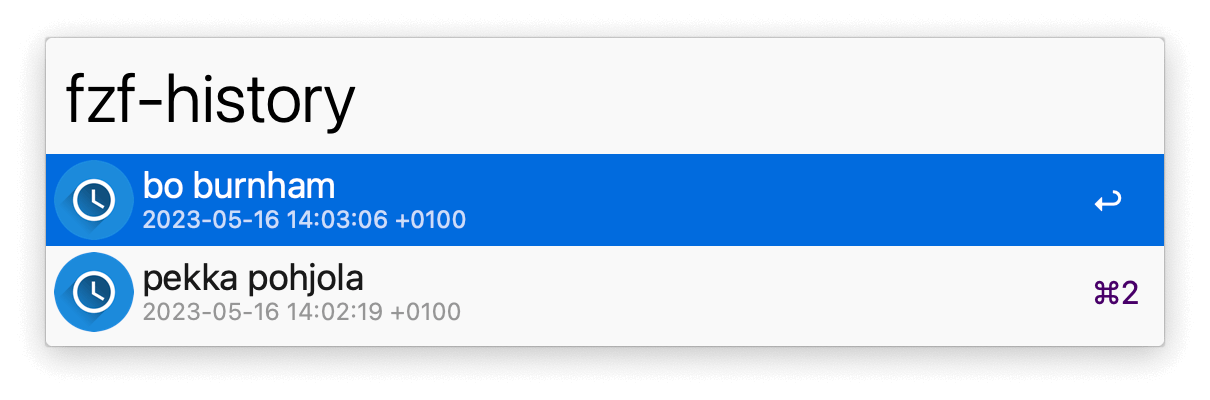
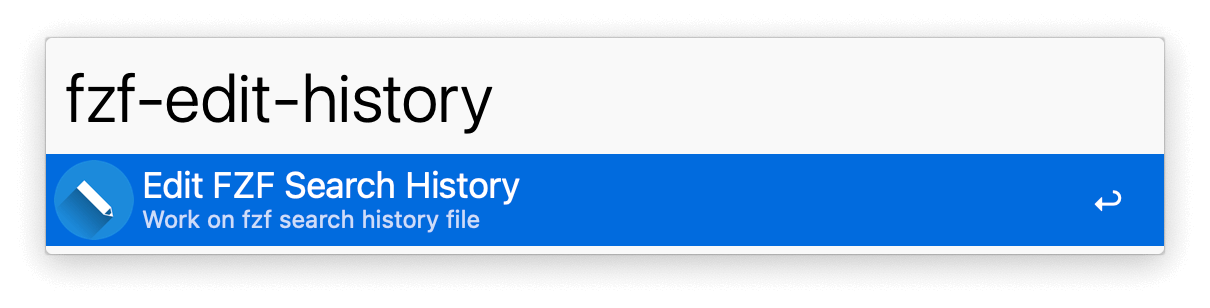
See your search history with fzf-history or act on its file with fzf-edit-history.